Mangaplay Screenplay Writer
Write screenplays, comics and manga scripts on your phone. Panels render live as you type — no AI, no drawing skill needed, just maths.
Free · No account · Opens the same .mangaplay files as Desktop and Google Docs
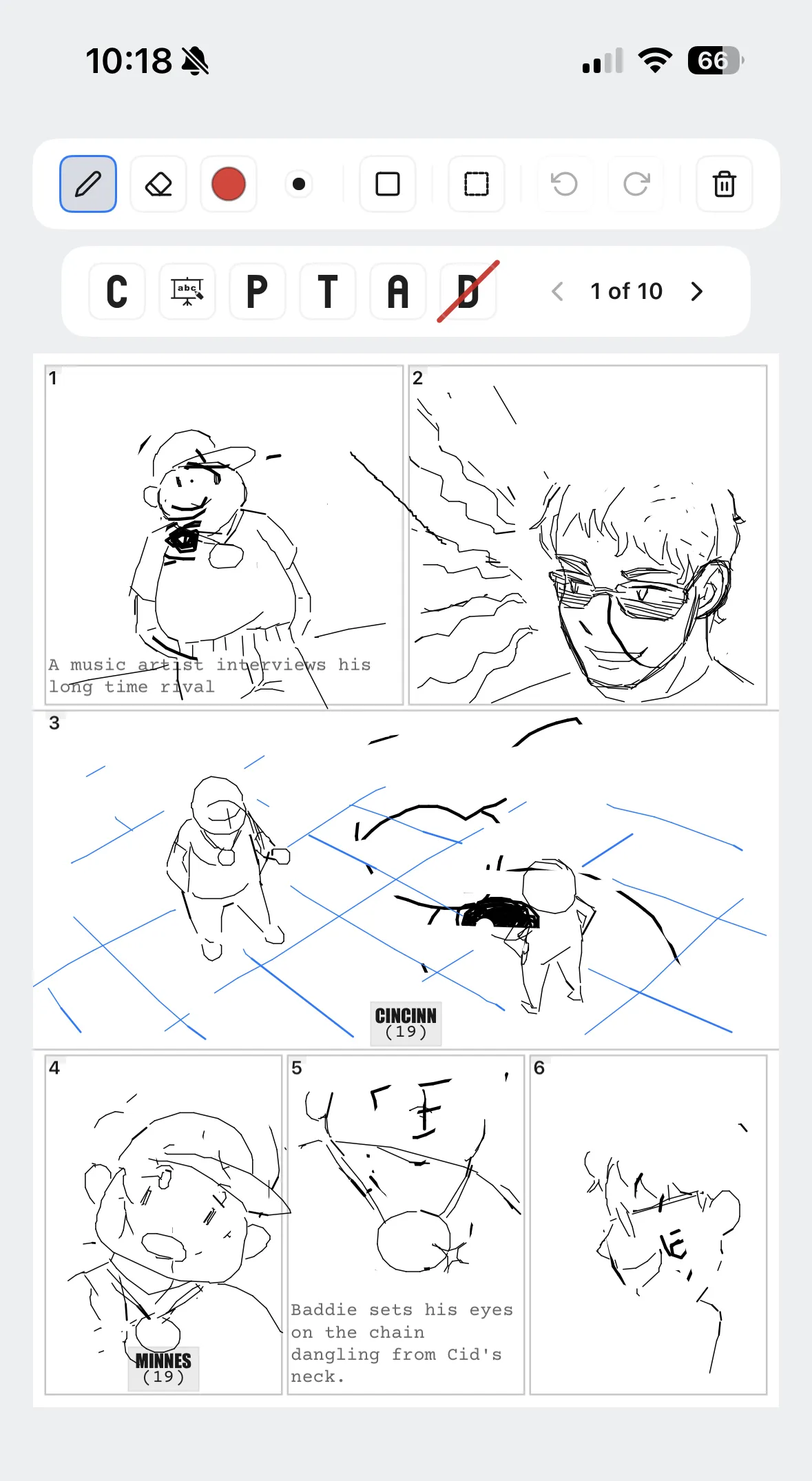
Write screenplays, comics and manga scripts on your phone. Panels render live as you type — no AI, no drawing skill needed, just maths.
Free · No account · Opens the same .mangaplay files as Desktop and Google Docs
Script-First Writing
Write comics, manga or storyboards in plain-text Fountain+ format. No formatting overhead, no menus to learn.
Live Storyboard
Panels render as you type. No AI, no drawing skill needed — just maths.
Same File Everywhere
Plain-text .mangaplay files open on Desktop, in Google Docs and in the browser. No conversion, no lock-in.
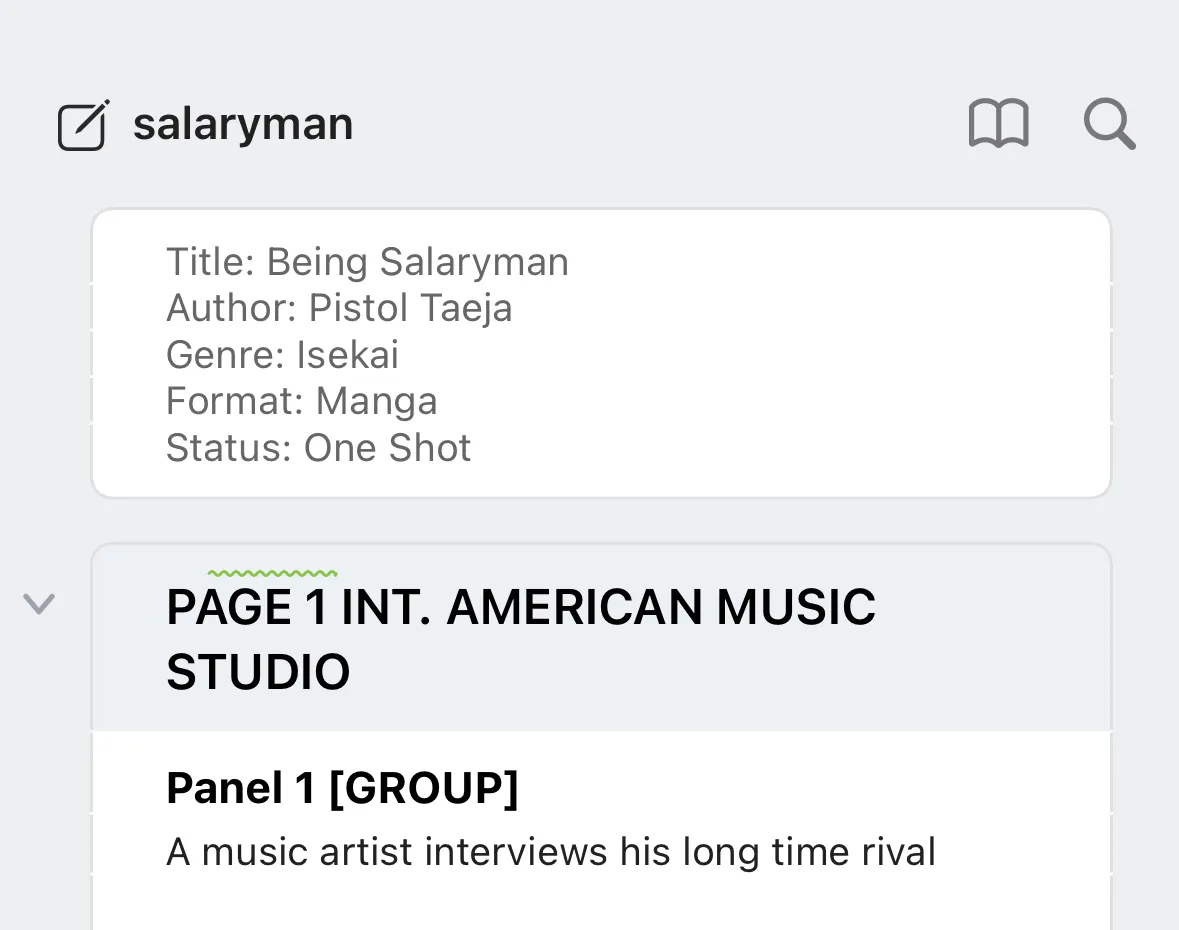
A script is just lines of text: a page marker, a panel marker, then what happens. Mark # Page 1, add Panel 1, write the action — the storyboard follows.
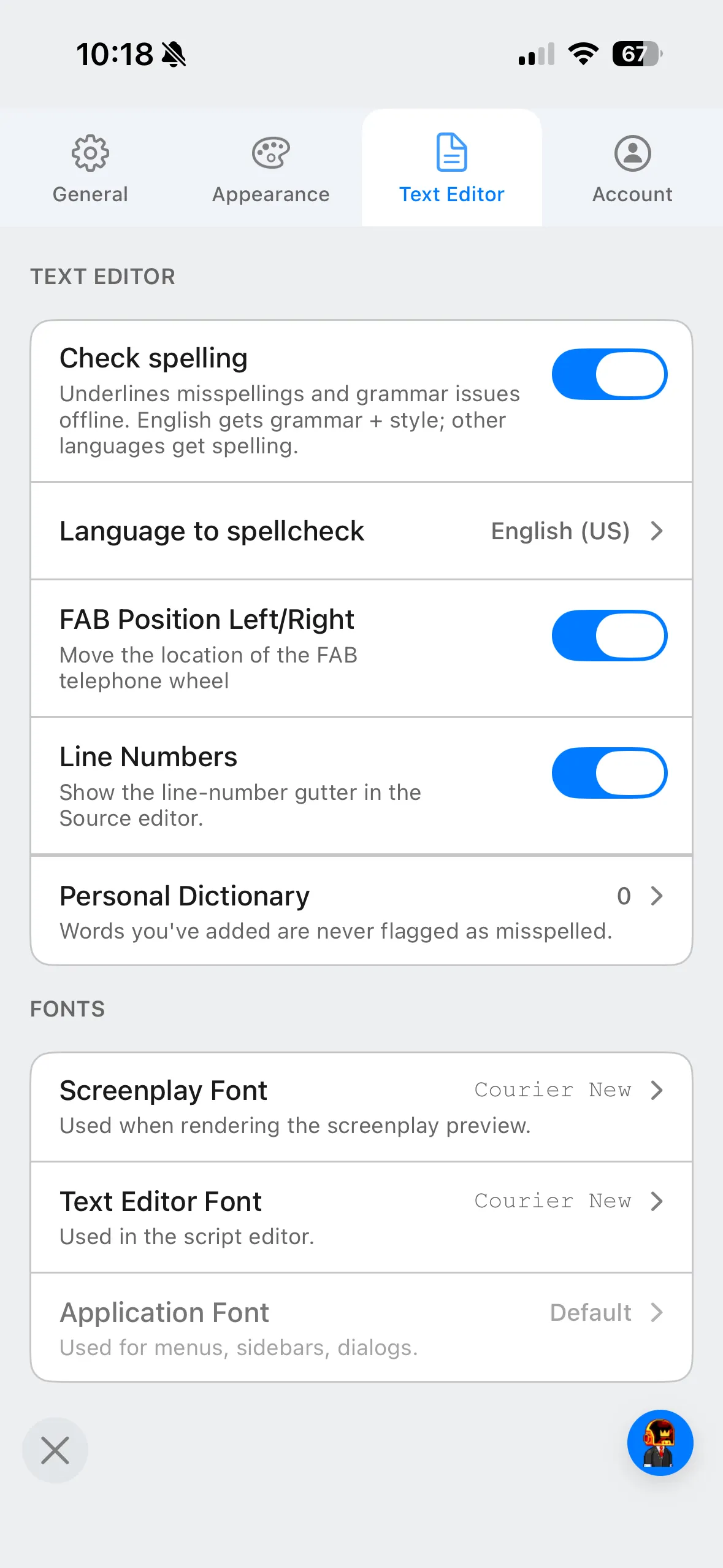
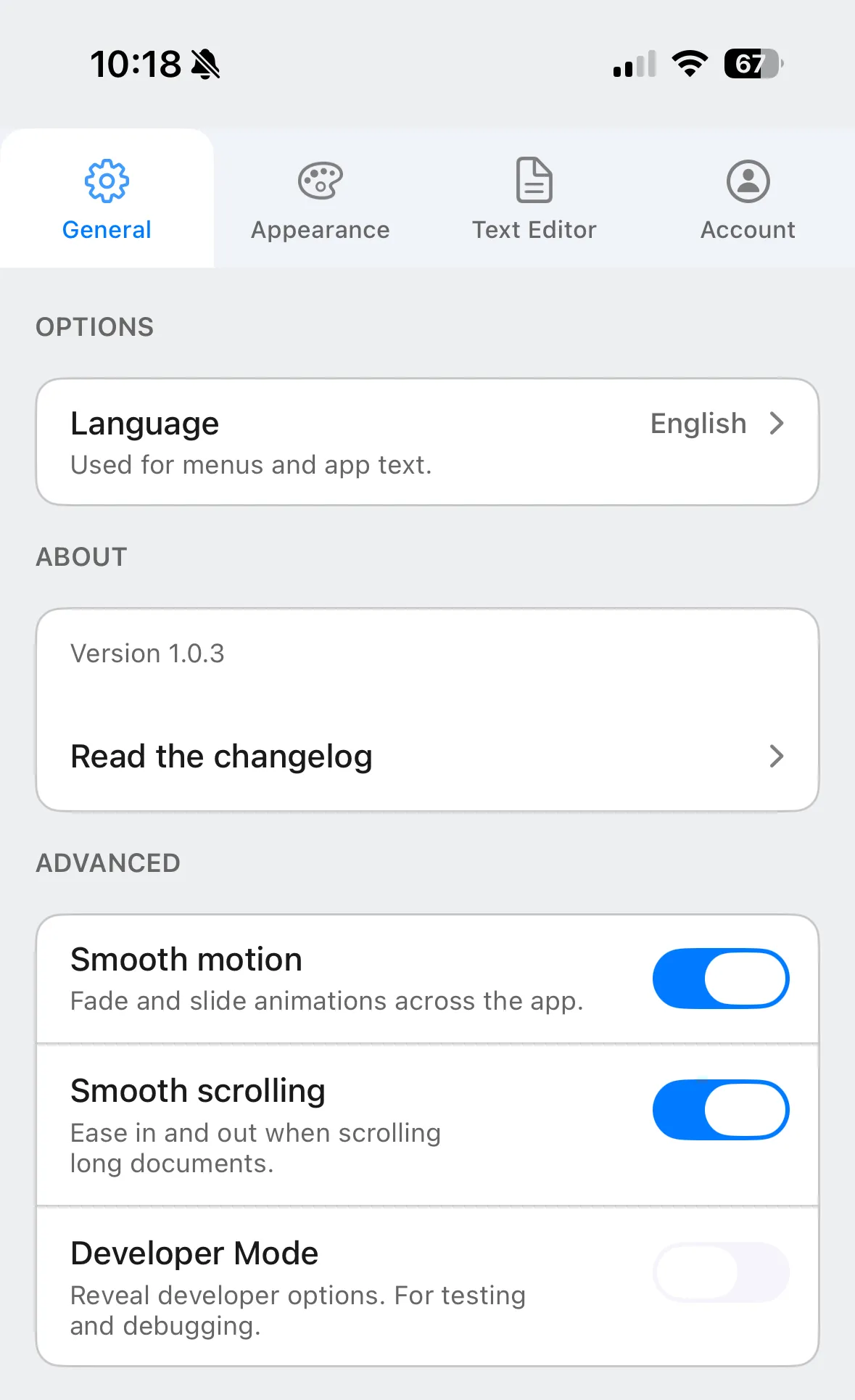
Screenshots from the iOS app.
The writing surface stays out of the way, and the options that matter are there when you want them.
Formats
Reads and writes plain-text .mangaplay and Fountain. Exports FDX (Final Draft), FadeIn and PDF — the same file works for artists and screenplay readers.
Yes, it is free to download and start writing. The mobile app is Freemium — a free tier plus a paid upgrade for advanced features.
Yes. Your scripts are plain-text .mangaplay files, so the same file opens in the Desktop app for Windows and Mac, the Chrome extension for Google Docs, and the browser web app.
Yes. It is on Google Play for Android and the App Store for iPhone.
No. There is no sign-up and nothing to log in to. You can start writing as soon as the app opens.
On your device, as plain-text .mangaplay files. You can move them between devices, email them or keep them in version control.
Free · No account · Android and iPhone
The same .mangaplay file, wherever you write.